Your account
You can look at products without an account. To reserve or buy, and to follow your orders and payments, you need one.
Each store has its own accounts: an account you created in one store does not work in another, even with the same email.
Create an account
Section titled “Create an account”- Select Create account at the top of any page.
- Fill in your First name, Last name, Email and Password. While you type the password, the list under Your password needs: marks each requirement as met: at least 8 characters, an uppercase letter, a lowercase letter, a number and a symbol.
- Select Create account.
You are signed in straight away and land on My account, with a welcome message.
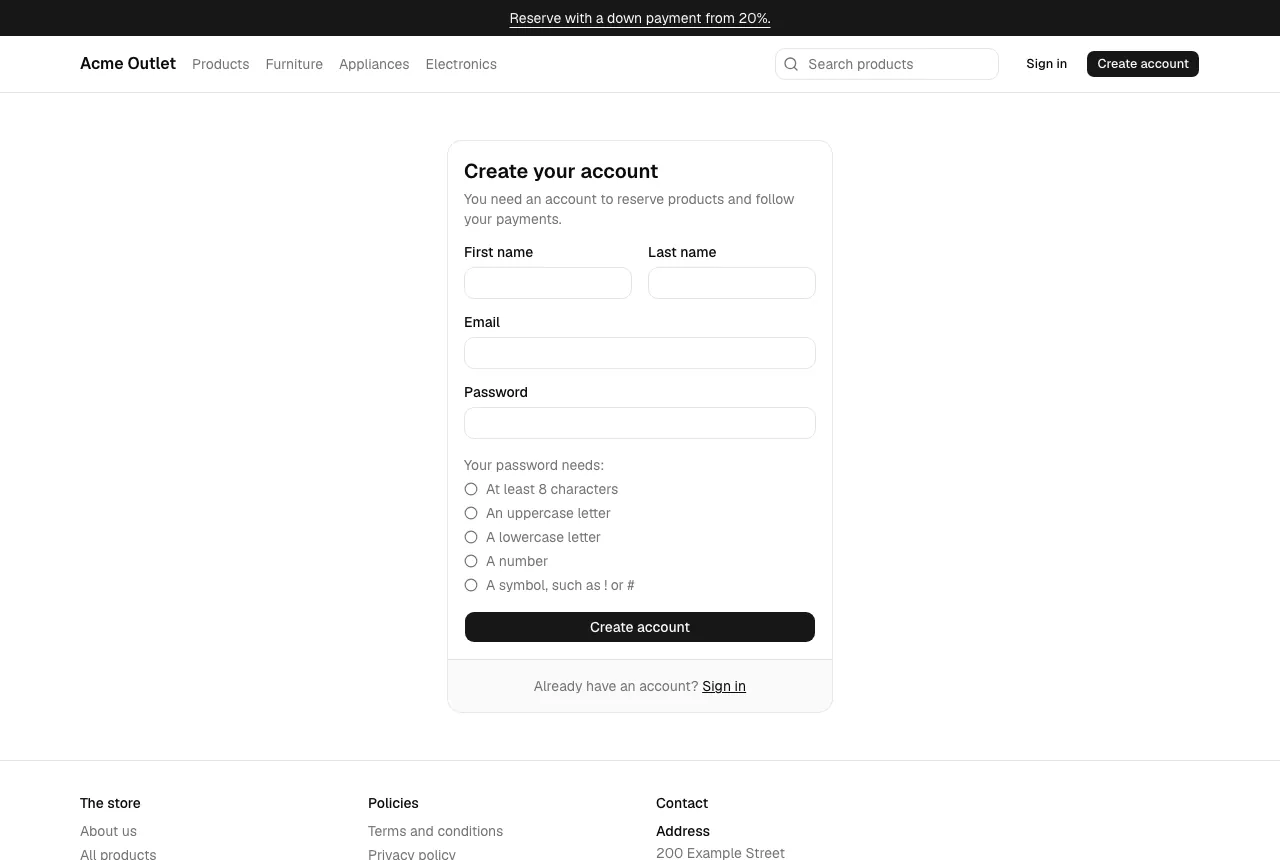
If the email already has an account in this store, you see “An account with this email already exists in this store.” Sign in instead, or choose a new password.
Sign in
Section titled “Sign in”- Select Sign in at the top of any page.
- Enter your Email and Password and select Sign in.
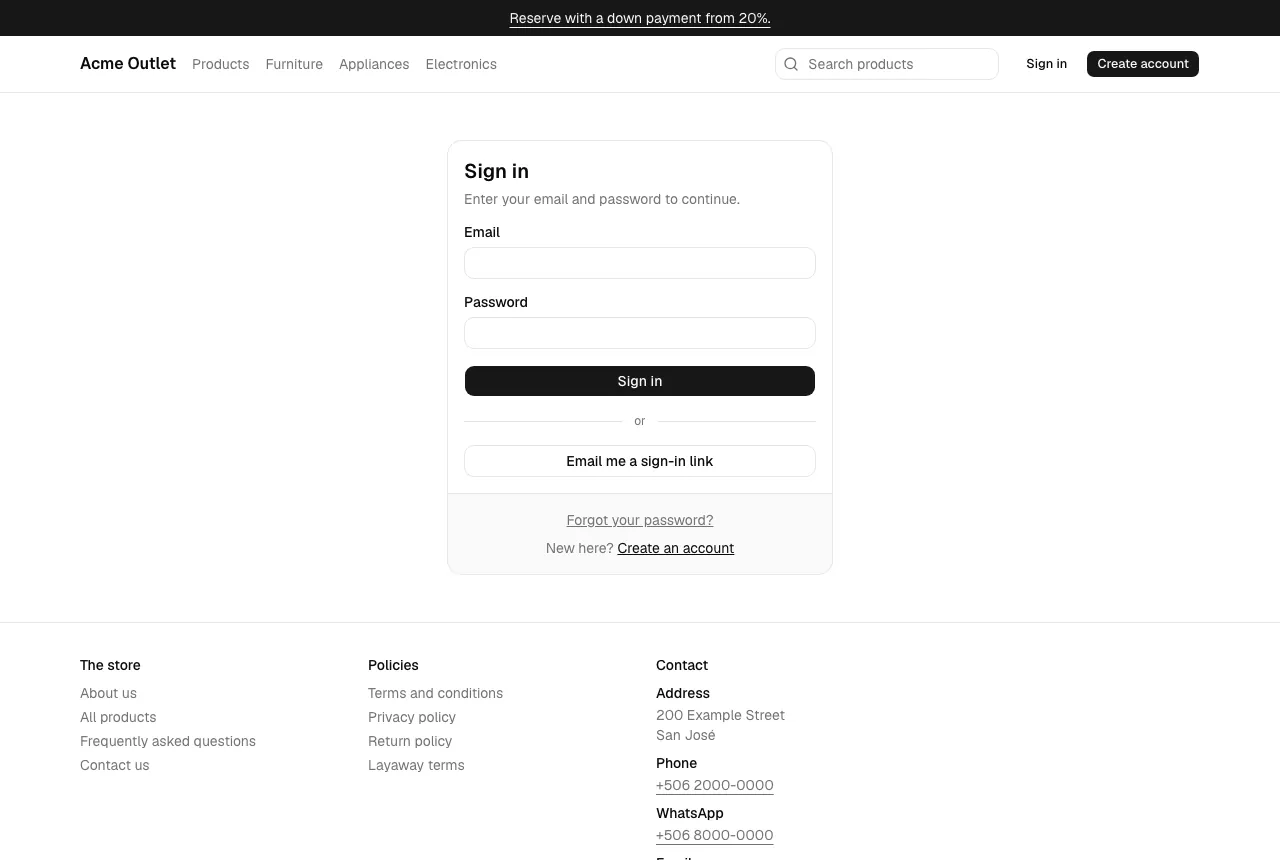
If the email or the password is wrong, you see “The email or password is incorrect.” After too many attempts in a short time, the store asks you to wait a moment before trying again.
Sign in with an email link
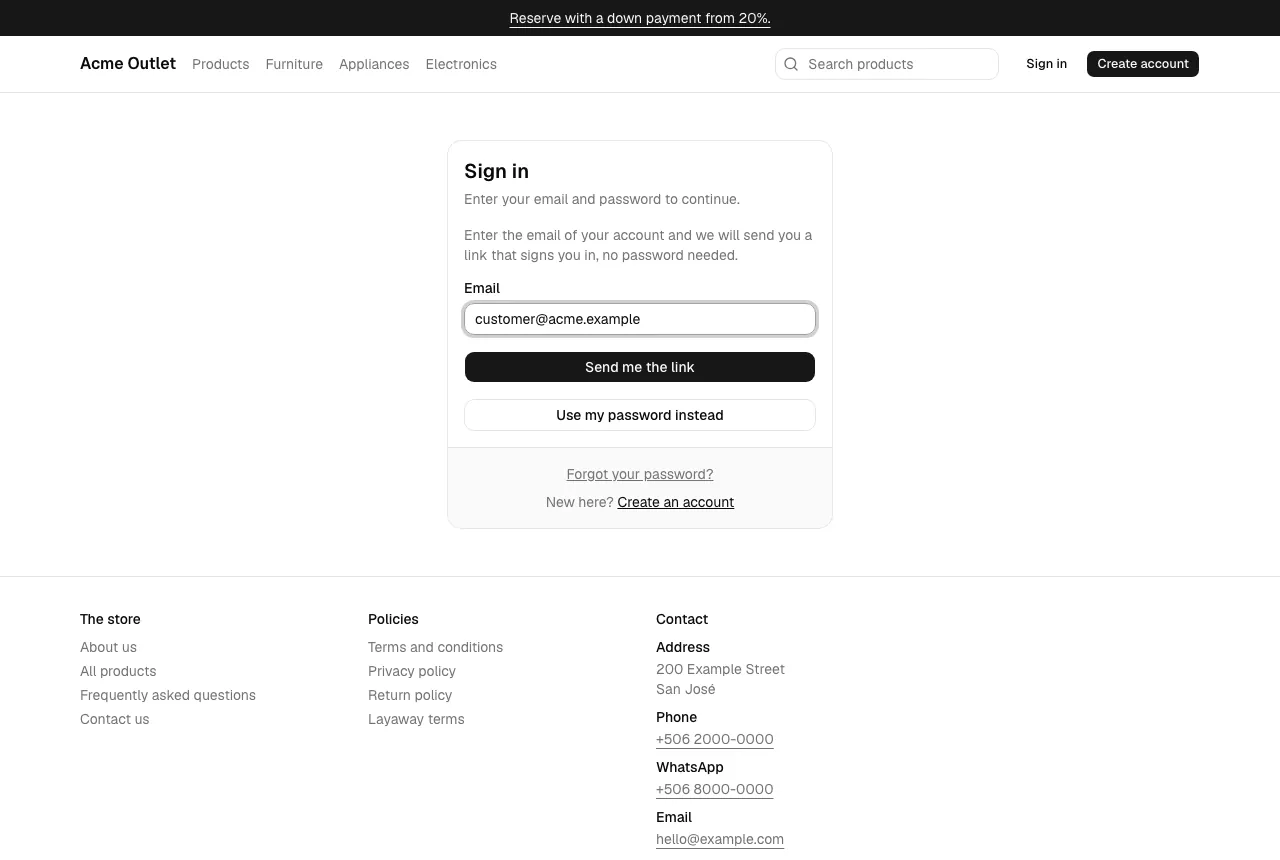
Section titled “Sign in with an email link”If you would rather not type your password, select Email me a sign-in link on the Sign in page, enter your email and select Send me the link. The page always answers Check your inbox: “If there is a customer account for that email in this store, a sign-in link is on its way. It works once, for 15 minutes.” It never says whether the email has an account, and it never creates one. Select Use my password instead to go back.
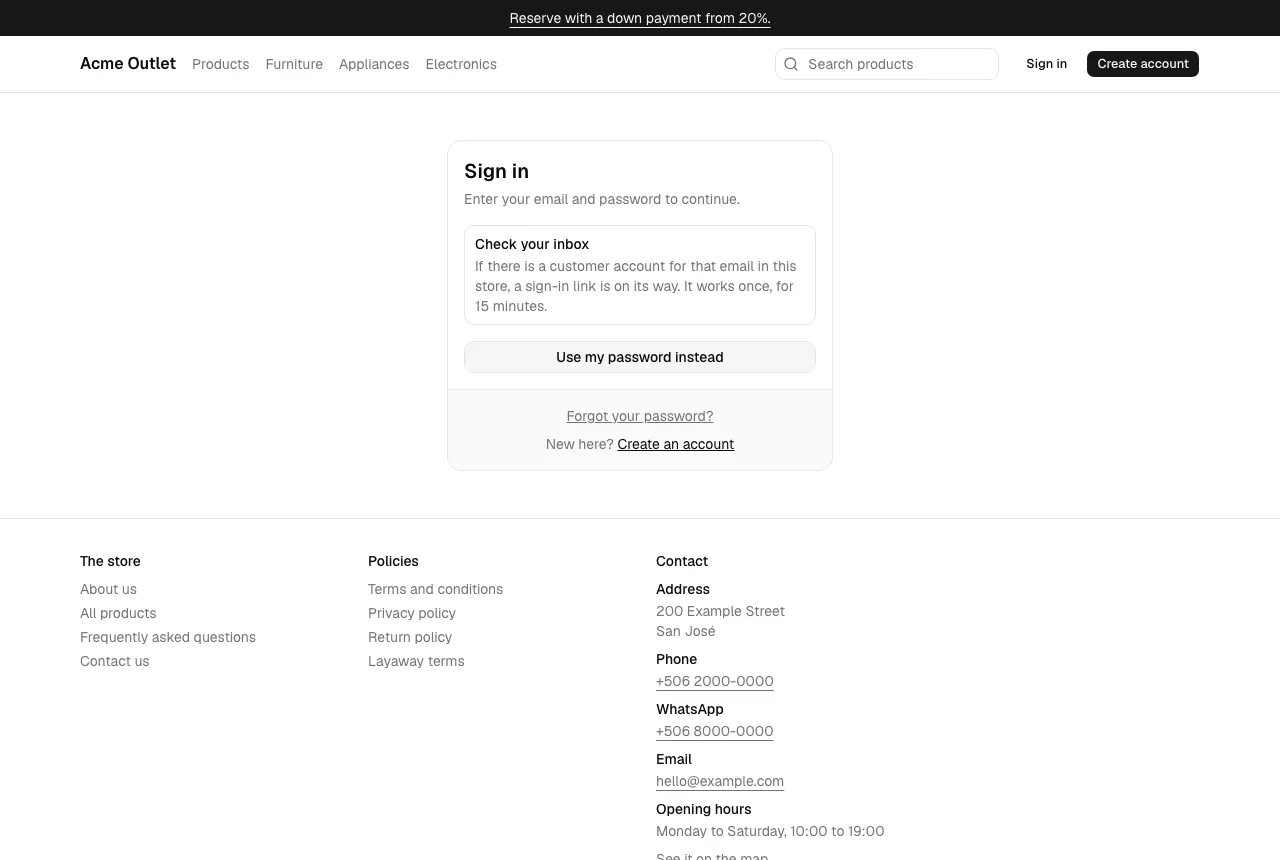
- Open the link in the email. It takes you to Finish signing in, in the same store.
- Select Continue. You are signed in and go to the page you asked for.
The link works once, for 15 minutes, and only in the store that sent it. Open it in the browser you want to use. If it was already used, has expired or is from another store, you land on the Sign in page with “This sign-in link is invalid, has expired or was already used. Ask for a new one below.”
If you never confirmed your email address, the first time you sign in with a link it confirms the address and removes the password your account had, and your other sessions are signed out. The email warns you about this. Afterwards My account shows “Your account has no password”; see Set a password after an email link.
You can also sign in from a product page: when you select Reserve with layaway or Buy now while signed out, a window with Sign in and Create account tabs opens, and you go back to the product afterwards.
Your menu
Section titled “Your menu”Once signed in, your name appears at the top right. Its menu has My account, Orders and Sign out.
Your details
Section titled “Your details”In My account, open Settings to change:
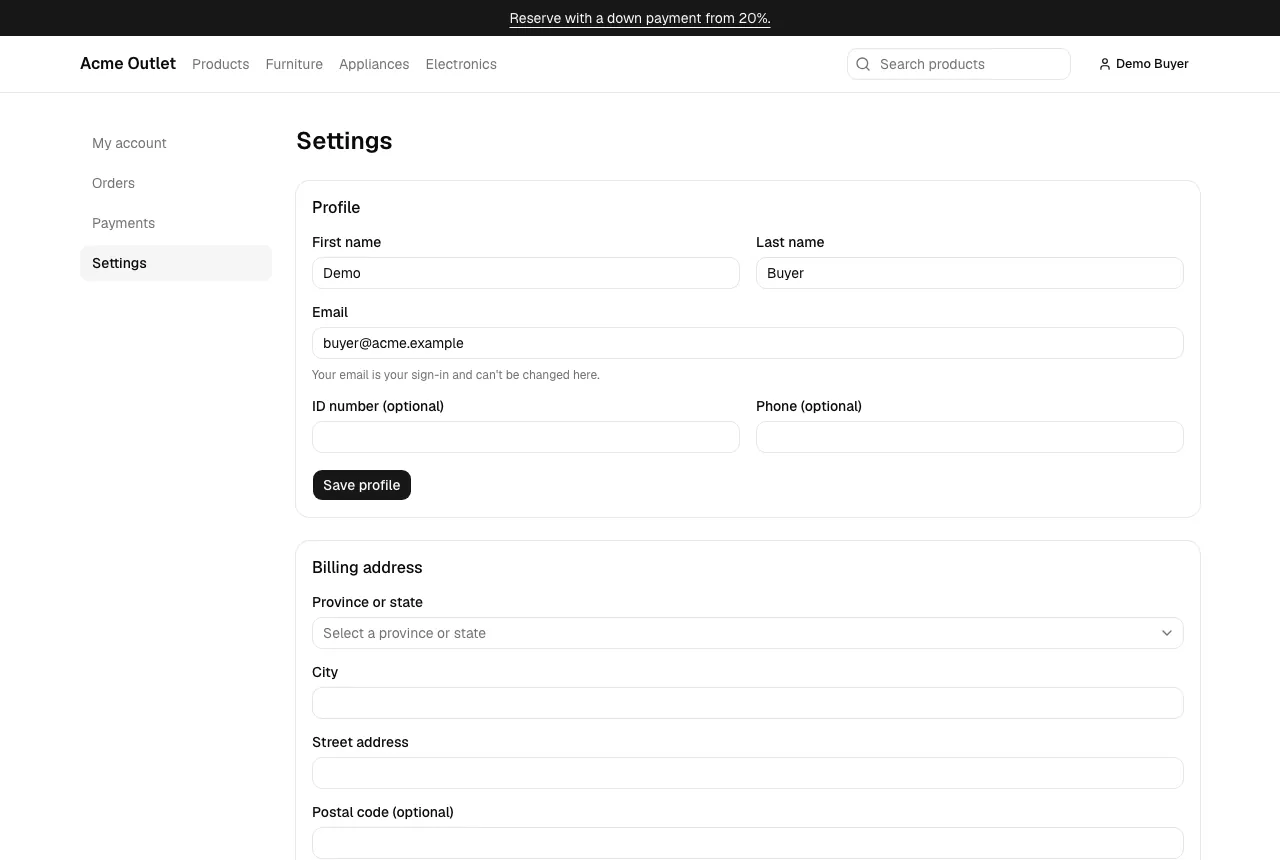
- Profile: your first and last name, an optional ID number and an optional phone. Your email is your sign-in and can’t be changed there.
- Billing address: the address used for your payments and receipts (province or state, district, street address and phone). If the store hasn’t set up its locations yet, you see a message instead and can’t add an address until it does.
- Password: enter your Current password and a New password, then select Change password. Your other sessions are signed out. If your account has no password, this section is a form to set one instead; see Set a password after an email link.