Moving a layaway to another product
You can have one layaway in progress per main category. If you change your mind about the product, you can move that layaway to another product of the same category: what you have paid stays on the order.
-
Open the product you want instead and select Reserve with layaway.
-
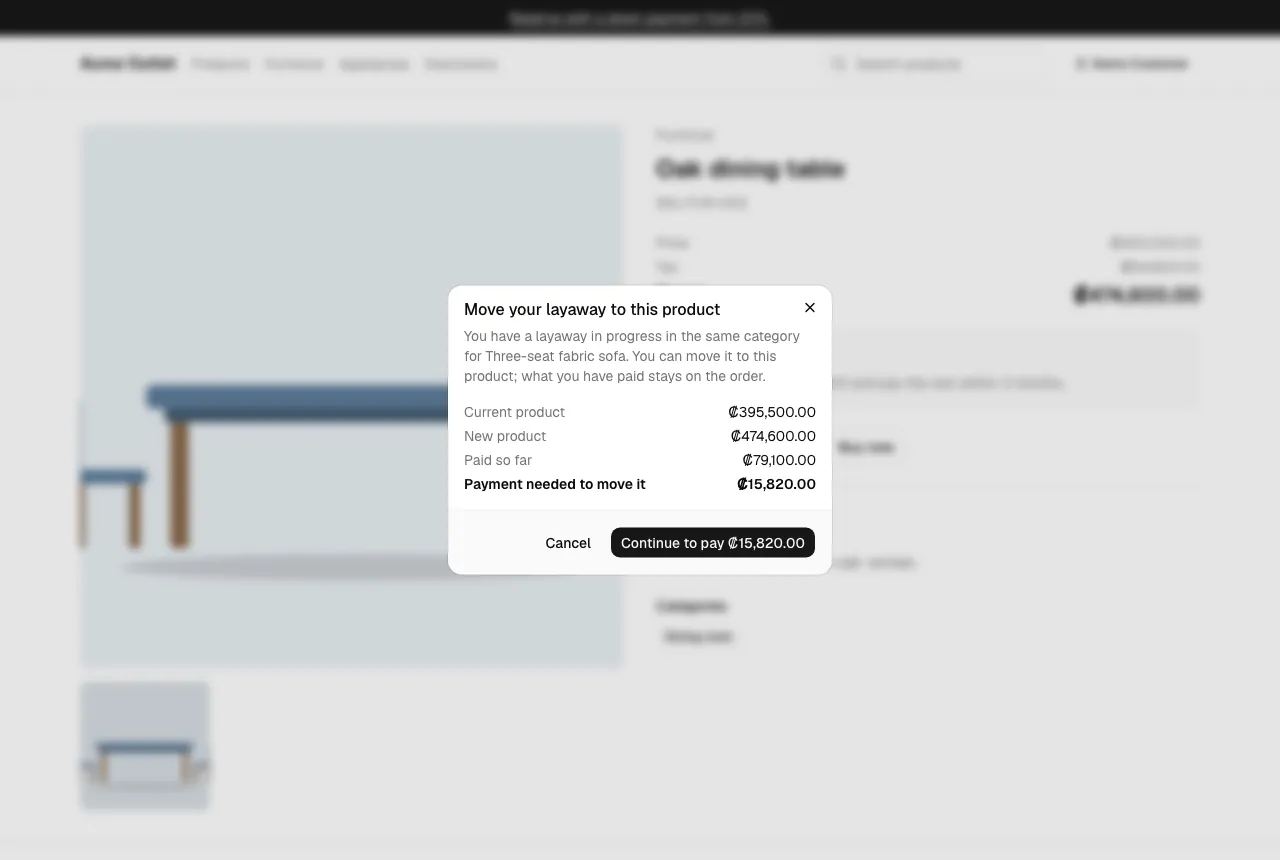
The Move your layaway to this product window compares the Current product and the New product, shows what you have Paid so far and, if needed, the Payment needed to move it.
-
Confirm:
- If you have already paid at least the new product’s down payment, select Move my layaway. The order now holds the new product, with its own total and tax.
- Otherwise, select Continue to pay … to pay the difference by card. The layaway moves to the new product as soon as that payment is approved.
Good to know:
- The deadline stays the same: moving a layaway does not give you more time.
- You can’t move a layaway to a product whose total is less than what you have already paid.
- The product you leave goes back on sale, and the new one is set aside for you.