Platform admins
Platform admins lists “People who can manage every store.”
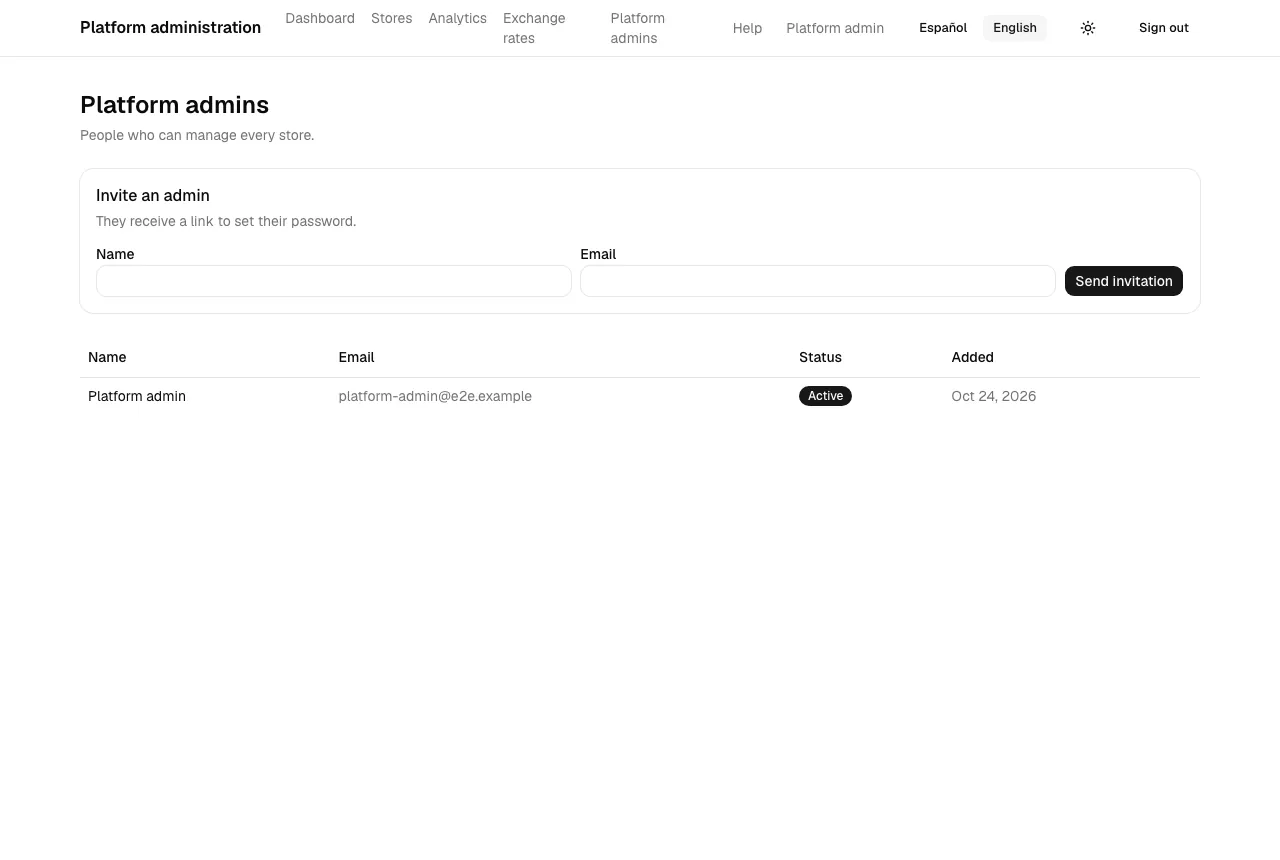
Inviting an admin
Section titled “Inviting an admin”Under Invite an admin, enter the person’s name and email and select Send invitation. They receive an email with a link to Accept your invitation, where they choose a password with Set password and then sign in. The link works for 72 hours and only once.
If the email already belongs to a platform admin you see “There is already a platform admin with this email.”
The list
Section titled “The list”Each row shows Name, Email, Status (Active or Disabled) and when the admin was Added. Your own row has no actions.
Until the person sets a password the row shows Invitation pending and Expires … or Expired. On those rows:
- Resend invitation (“Send a new invitation?”): a new link is emailed; older ones stop working.
- Revoke invitation (“Revoke this invitation?”): the link stops working and the pending account is removed.
Once an admin has set a password, these fail with “This admin already set a password.”
Disabling and enabling
Section titled “Disabling and enabling”Disable (“Disable this admin?”) signs the person out and stops them using the panel; Enable gives access back. You can’t disable your own account (“You cannot disable your own account.”), and at least one platform admin must stay active (“At least one platform admin must stay active.”).